
You can filter the Sales Dashboard data to access specific and accurate data about sales made in a given period.
On this page:
-
Filter Sales Dashboard data
Filter Sales Dashboard data
You can use the filters to view the specific data you want in the Sales Dashboard.
Steps:
1 - Select the Tracking Groups list - a screen with the data will be displayed.
2 - In Sales Dashboard, click on Filters.
3 - Fill in one or more filter options:
-
Period: searches for sales with start and end dates - if desired, use the predefined time range buttons.
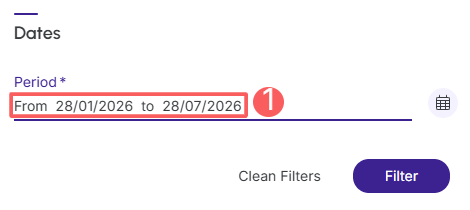
4 - Click on Filter.
To remove the applied filters, simply click on Clean Filters.