
You can import the customization from another product, and then change or include the necessary information.
This feature is useful for importing customization from another product in Guru based on information obtained from another product.
Before importing customization from other products, you need to have added customizable and/or smart fields to the forms of the imported products.
On this page:
-
Import Customization from another product
Import Customization from another product
You can import the customization from another product to leverage the fields provided in another product.
Steps:
1 - Access the desired ticket - a screen with the data will be displayed.
2 - Click on Additional Settings, and then Registration.
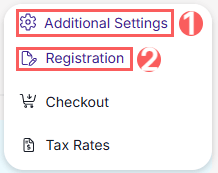
3 - Click on Import customization from another product.

4 - In Source Product, select the product from which you want to import the customization.
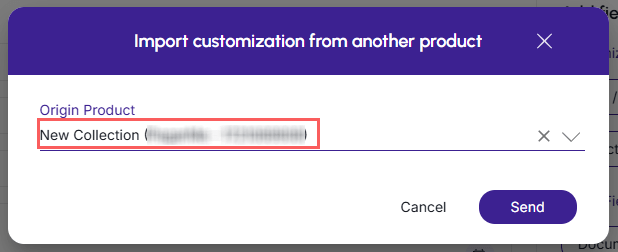
5 - Click on Send. To confirm that the form was successfully imported, you should see a notification in the upper right corner.

6 - Then, the customization fields of the imported product will appear.
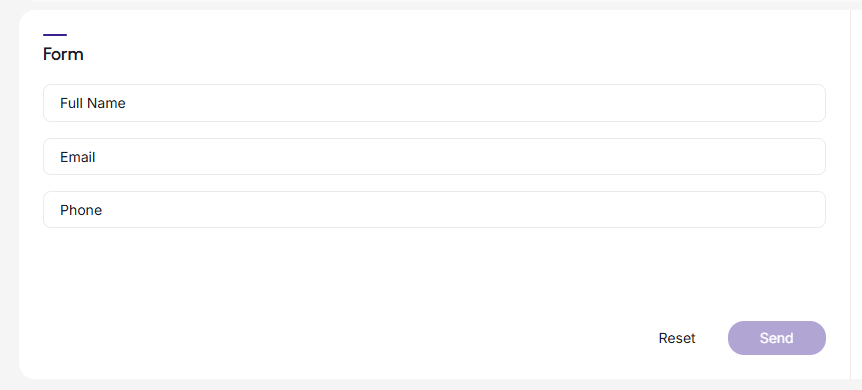
It is possible to change and include fields in the imported form.
7 - Click on Send.
More Resources