
In the Restrictions section, you will be able to define specific rules for each of the subaccounts. This feature is useful if you want to manage the visibility of payment processors for the selected subaccount.
By activating the Limit visible processors for subaccounts feature, the subaccount's specific settings will take precedence over the default rule.
On this page:
-
Restrictions
Before you start, you need to…
-
Be an administrator user or have permission to perform the following actions.
-
Have one or more subaccounts registered in Guru.
Restrictions
In the Restrictions section, you can limit access to payment processors by defining specific rules for each of them.
Steps:
1 - Access the subaccount - the subaccount registration will be displayed.
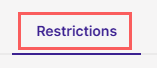
2 - Click on the Restrictions tab.
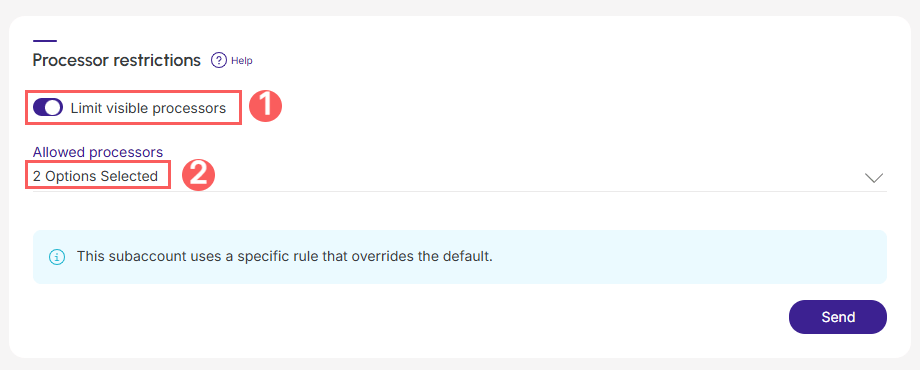
3 - In Default processor restrictions, select:
-
Limit visible processors: if you want to limit the subaccount's access to payment processors;
-
Allowed processors: select the payment processors whose access you want to limit for the subaccounts.
.jpg?cb=8837a4ea6a4e7db37d2e094edac9e7bf)
4 - Click on Send.
By activating the Limit visible processors for subaccounts feature, the subaccount's specific settings will take precedence over the default rule.