
At Guru, you manage your referrals, being able to get the referral link to share with friends (or open other accounts at Guru), in addition to understanding how the referral program works to get a discount on your subscription payment. It is also possible to consult the referrals made and the credit balance for discount.
How does Guru's referral program work?
For each referred account that subscribes to a plan at Guru, you receive monthly 5% of the amount paid by the referred person as a discount balance for the next renewal. To compute the discount, your subscription must be active and payments up to date.
On this Page:
-
Manage referrals for friends
-
Refer friends to Guru
-
Check discount obtained
-
Check referrals made
-
Manage referrals for friends
In this section, you can manage referrals for your friends from your Guru account.
Steps:
1 - Access the guru admin with your username and password.
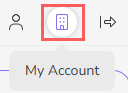
2 - In the upper right menu, click on My Account.
3 - In My Account, click on Reffes.

4 - According to the desired action, consult the following topics.
Refer friends to Guru
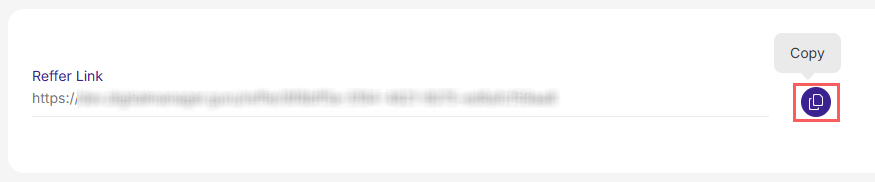
In Referral Link, click the button to copy the link. Then, share the link with your friends and ask them to create an account at Guru using this link.
Check discount obtained
In Current Balance, check the accumulated discount amount you have for the next payment.
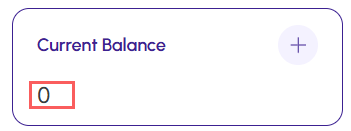
(*) The balance is reset after being deducted from the monthly payment.
Check referrals made
When you have referred accounts, they are listed on this page containing:
-
Name: name of the referred account;
-
Email: registration email of the referred account;
-
Current plan: current plan of the referred account;
-
Commission: commission percentage that will be attributed to you as long as the subscribed account is referred.
