
you can add and remove/disconnect Ads Accounts. This feature is essential for you to manage all your campaigns in an organized and efficient way.
On this page:
-
Add Account
-
Remove/Disconnect Ads Accounts
Before you begin, you need to...
-
Be an administrator user or have permission to perform the following actions.
Add Account
In this step, you will add your Taboola ad account to Guru.
Steps:
1 - Access the Guru admin with your username and password.
2 - In the side menu, go to Settings > Integrations > Publishers > Taboola.

3 - Click the Ads Accounts tab.
4 - Next, click Add Account.
5 - Fill in the following information:
-
User: select the user account you want to associate;
-
Ads Accounts: select the ad account that corresponds to the user.
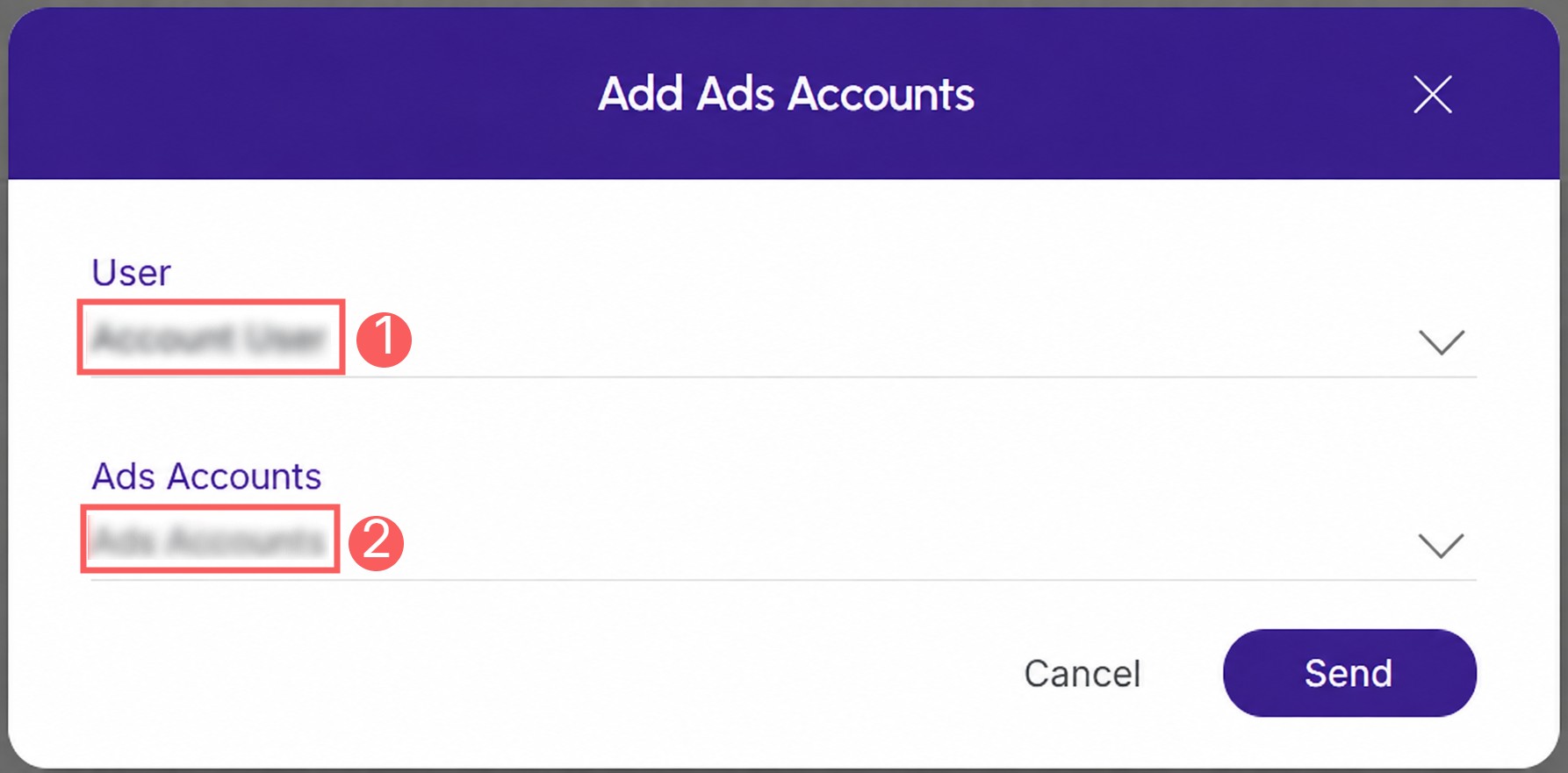
6 - Click Send.
Repeat this step for each ad account you wish to connect.
Remove / Disconnect Ads Accounts
Once created, you can remove an ad account. This feature is useful when you do not want to link the ad account.
Steps:
1 - Click the Ads Accounts tab and then click Remove.

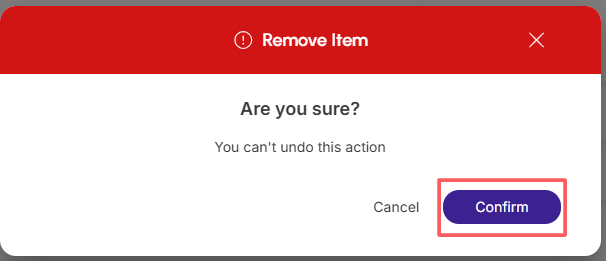
2 - Confirm if you want to proceed with the deletion. To confirm that the ad account has been deleted, a message will be displayed for a few seconds in the top right corner of the page.
From this moment on, Guru stops managing access to the removed Taboola Ad Account.