
By integrating your account with X, you will be able to automatically import your campaign costs and manage your entire business through our platform.
To activate the integration, you must access your Guru admin account, and then connect your X account to Guru.
On this page:
-
Step 1: Connect user account
-
Step 2: Connect ad accounts
-
What to do next
Before you start, you need to:
-
Have an active X account.
-
Be an administrator or have permission to perform the following actions.
Step 1: Connect user account
In this step, you will connect X to Guru.
Steps:
1 - Access the Guru admin with your username and password.
2 - In the side menu, access Settings > Integrations > Publishers > X.

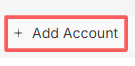
3 - Then, click on Add Account.
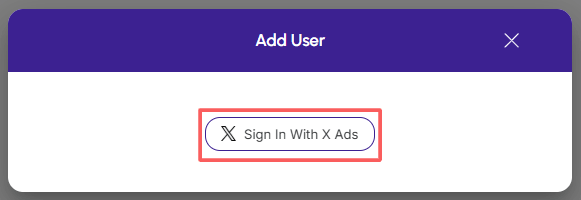
4 - Click on Sign in with X Ads.
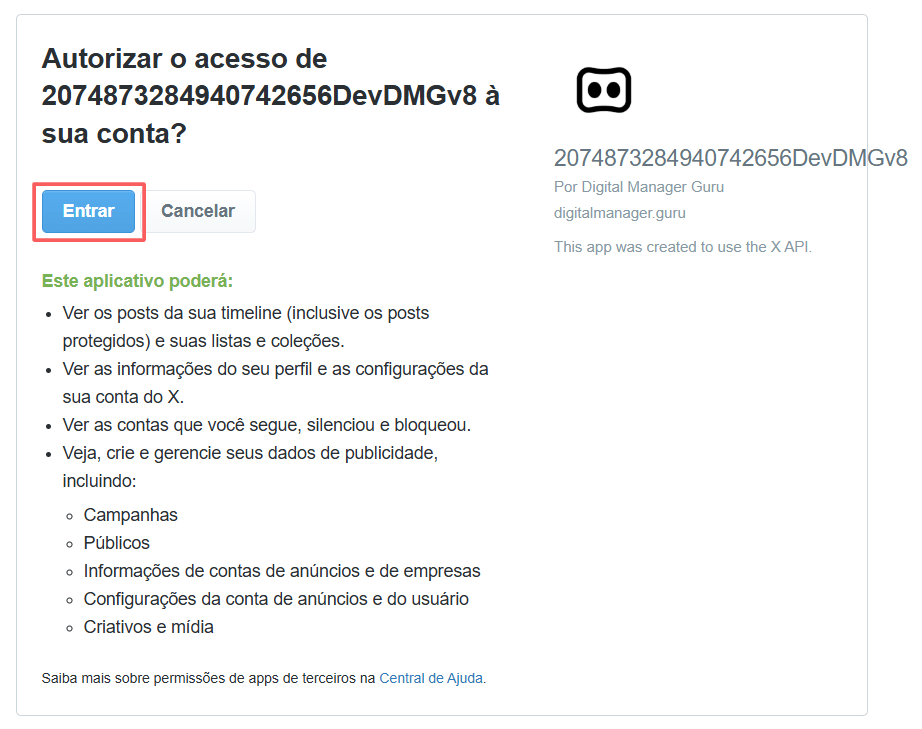
5 - To authorize X's access to your Guru account, click on Sign in.
6 - Then, select a user account for X login.
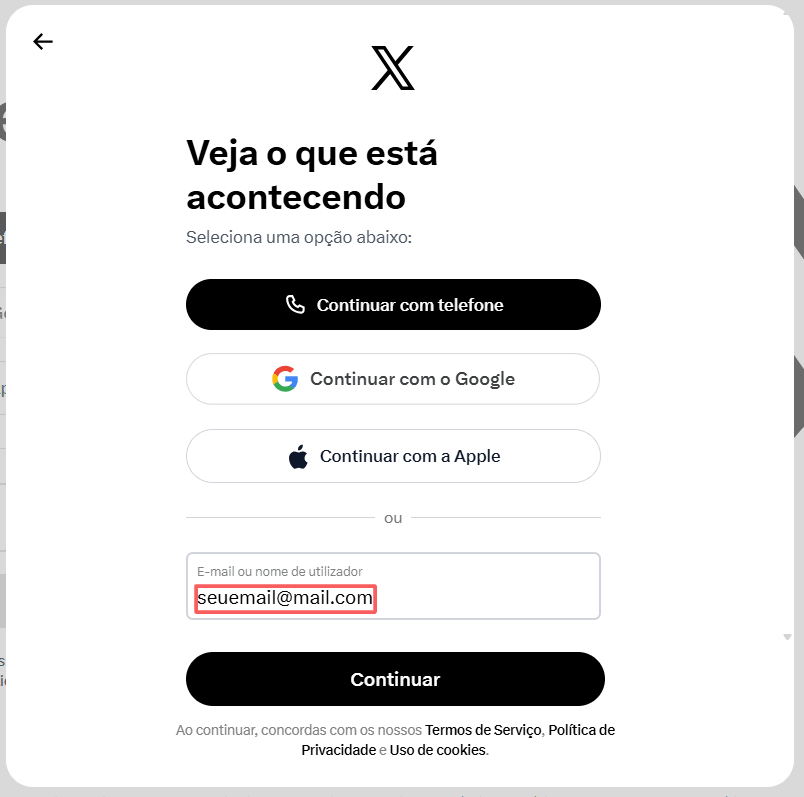
7 - Click on Continue.
8 - Once done, the browser will return to your dashboard in Digital Manager Guru. From now on, the account data will already appear.
Repeat this step for each user account you wish to connect.
Step 2: Connect Ad Accounts
In this step, you will connect your ad accounts to Guru.
Steps:
1 - Access the Guru admin with your username and password.
2 - In the side menu, access Settings > Integrations > Publishers > X.
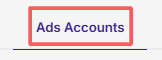
3 - Click on the Ads Accounts tab.
4 - Then, click on Add Account.
5 - Enter:
-
User accounts: select the user account you wish to associate;
-
Ad Accounts: select the ad account that corresponds to the user.
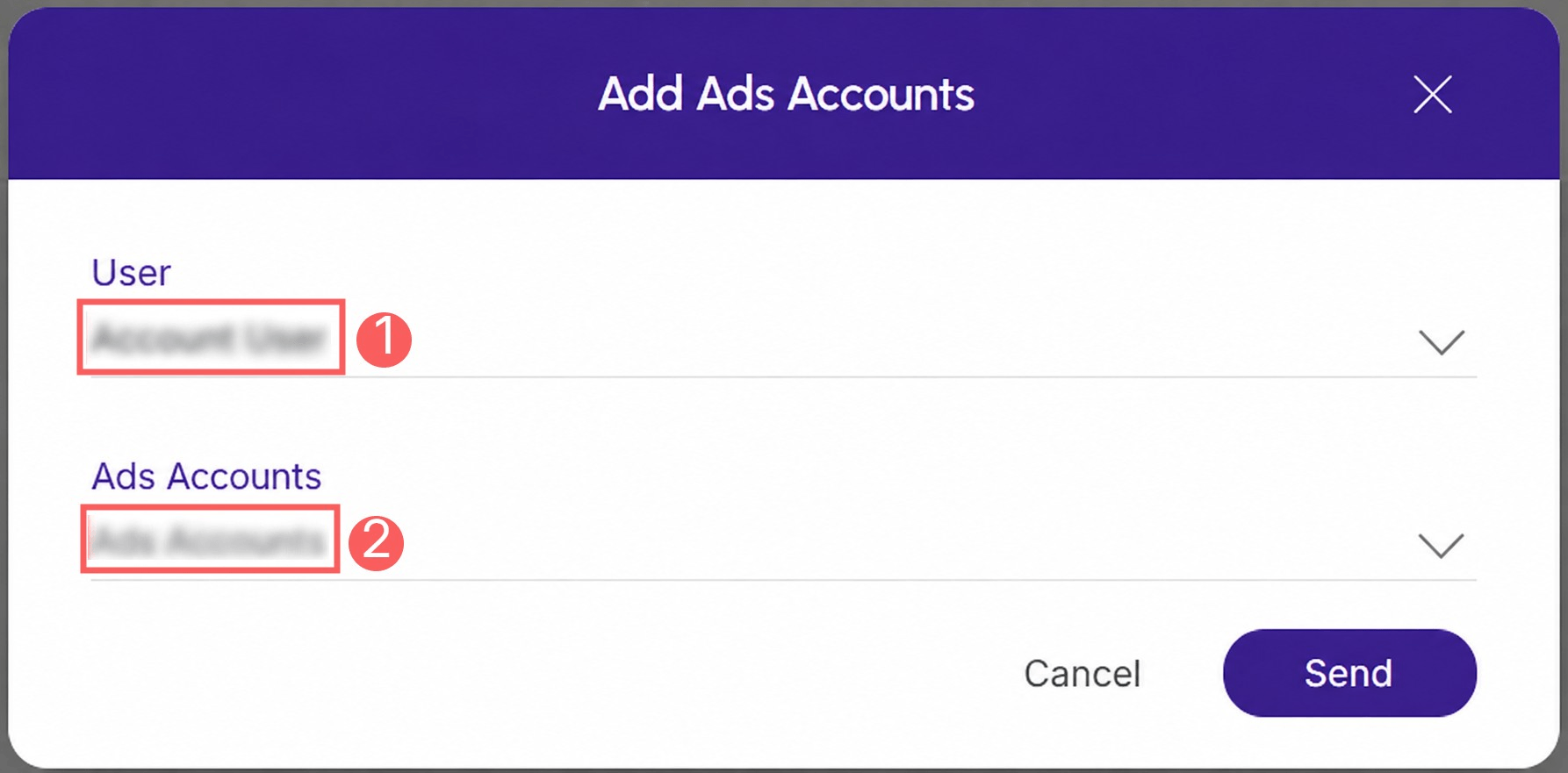
6 - Click on Send.
Repeat this step for each ad account you wish to connect.
At least one ad account must be connected for ad cost import to be performed.
If the account is an administrator account, it will be necessary to bring the child accounts into Guru, so it is necessary to connect users from the ad account.
The daily costs of each connected ad account will be imported as follows:
-
Every 1 hour, costs for the current day
-
Once overnight, costs for each ad over the last 7 days.
If there is a match between the tracking and the ad, the daily costs will be attributed to the respective tracking, and the ROI will be automatically updated.
What to do next
Once the integration with X is active, you can create tracking to monitor ads in real time.
To automatically calculate ROI, the use of tracked links in ads is requested (without prettylink and without a shortener).
Consult information about Tracking P.P.C.T.
This setting is optional.