
Subscriptions managed by Guru are automatically listed in the Dashboards area, Subscriptions Dashboards - Projections section, and you can update your dashboard information and also export it to PDF.
On this page:
-
Update Subscription Dashboards - Projections
-
Export Subscription Dashboards - Projections to PDF
Update Subscription Dashboards - Projections
In this step, you can update the Subscription Projections Dashboard.
Steps:
1 - Access the Guru admin with your username and password.
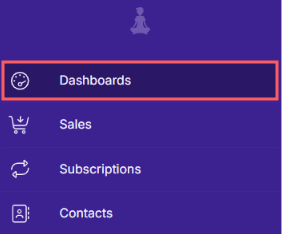
2 - In the side menu, access Dashboards.
3 - In Subscription Dashboards, click on Refresh.
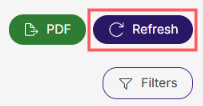
After clicking update, the page will load, and then it will appear updated.
Export Subscription Dashboards - Projections to PDF
Pdf export is available in the Guru dashboards section. When you click export, a PDF file of the dashboards will be generated.
Steps:
1 - Access the Guru admin with your username and password.
2 - In the side menu, access Dashboards.
3 - In Subscription Dashboards, click on PDF.
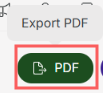
4 - After a few minutes, the PDF Download to save will appear.
To confirm the download, you should see a notification in the upper right corner.
More Resources