
If necessary, you can resend transactional emails. This feature is useful when an email has not been received or needs to be reprocessed.
On this page:
-
Resend Transactional Emails
Before you begin, you need to…
-
Be an administrator user or have permission to perform the following actions;
-
Have one or more sales registered.
Resend Transactional Emails
Steps:
1 - Access the desired sale - a screen with the data will be displayed.
2 - On the Detail tab, click Resend.

3 - A new window will open.
-
Transactional Emails: toggle the button to the 'on' position to resend transactional emails.
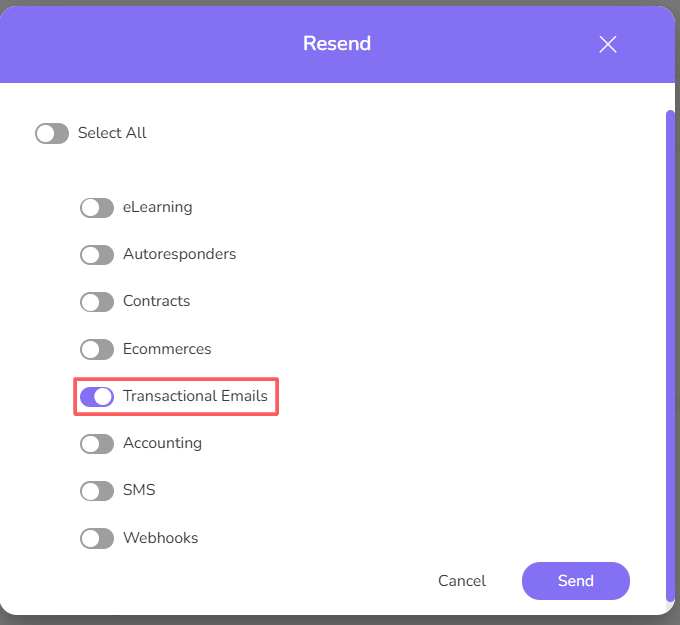

4 - Click Send.
More Resources