
You can activate the dynamic offer at checkout to automatically generate a checkout link with the commercial proposal value.
On this page:
-
How to activate the dynamic offer at checkout
Before you start, you need…
-
Be an administrator or have permission to perform the following actions.
-
Have a product with an offer that serves as a basis for generating the dynamic offer.
How to activate the dynamic offer at checkout (optional)
To activate the dynamic offer in Checkout Guru, you need to follow the steps below:
Steps:
1 - According to the configuration level you wish to apply:
1.1 - Product Level1: access Products » (desired product) » Checkout.
1.2 - Offer Level2: access Products » (desired product) » Offers » (desired offer) » Checkout.
2 - In Appearance, activate the option “Force Dynamic Values”.

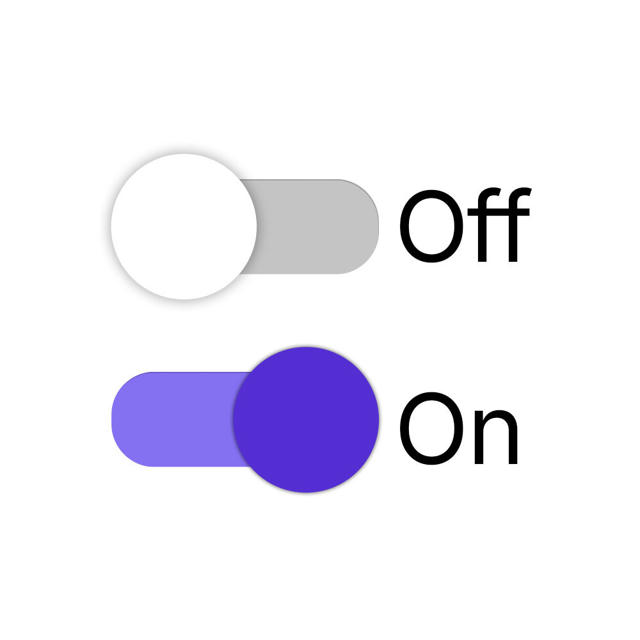
3 - Click on Send.
By activating the option Force Dynamic Values, the Checkout Guru link only works through integration with the system that will request the checkout URL.
Do not activate this option if you are not going to use this feature!
Attention: it is possible to use dynamic values with subscriptions, however, only in the contact field.
(1) The applied configuration takes effect on all product offers.
(2) The applied configuration takes effect only on the offer in question.
More Resources