
In the area of Profile details, you can view and change your Guru account data. It is possible to update the profile name and email, change the password, change the account language, activate the dark theme, and customize email reception.
On this Page:
-
Update profile name and email
-
Change password
-
Change account language
-
Activate dark theme
-
Customize email reception
Update profile name and email
In this section, you can view and update your profile name and email in Guru.
Steps:
1 - Access the guru admin with your username and password.
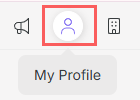
2 - In the top right menu, click on My profile.
3 - In My Profile, click Detail.

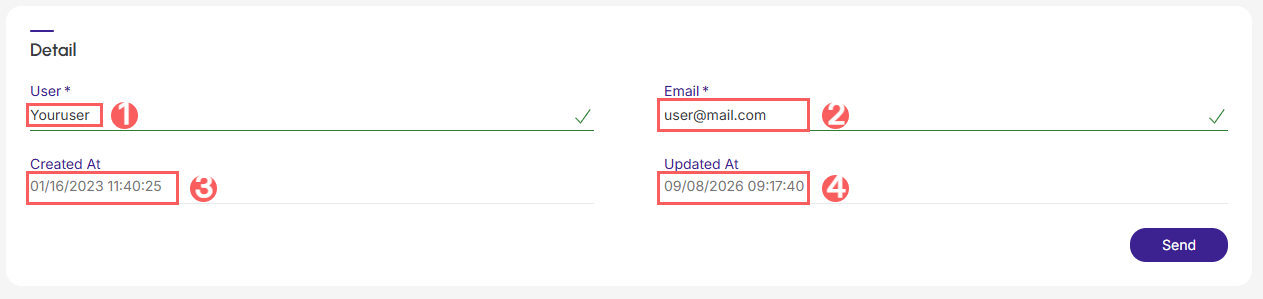
4 - In Detail, inform:
-
User: enter the name of the user you want to change from your profile;
-
Email: enter the email of the user you want to change from your profile;
-
Created on: date and time the user was created;
-
Updated on: date and time of the last profile update.
5 - Click on Send.
Change Guru account password
In the Change password area, you can change your Guru account password.
Steps:
1 - Access the guru admin with your username and password.
2 - In the top right menu, click on My profile.
3 - In My Profile, click Detail.
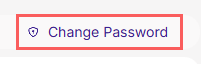
4 - In Detail, click on Change Password.
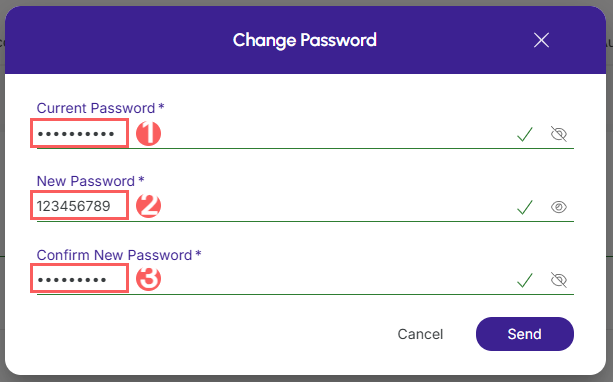
5 - In Change password enter:
-
Current password: enter your account's current password;
-
New password: enter the new password for your account;
-
Confirm new password: confirm the new password for your account.
6 - Click on Send.
Change account language
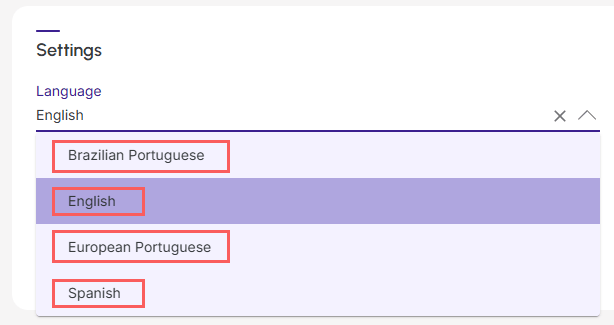
In the Detailsection, you can change the language of your Guru account.
Steps:
1 - In Settings, click on Language and select the language you want to set for your account.
2 - Click on Send.
Activate dark theme
In the Detailsection, you can activate the dark theme for your Guru account.
Steps:
1 - In Settings, in the Theme field, activate if you want your Guru profile to be in dark mode.

.jpg?cb=8837a4ea6a4e7db37d2e094edac9e7bf)
2 - Click on Send.
Customize email reception
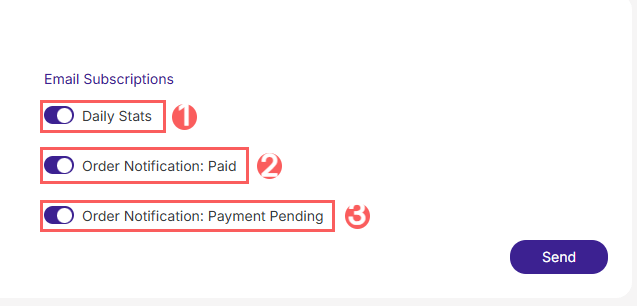
In the Detail, you customize the email receipts for your Guru account.
Steps:
1 - In Email Subscriptions, select the desired option:
-
Daily Stats: receipt of daily statistics for your account;
-
Order Notification Paid: email receipt of approved sales;
-
Order Notification (Payment Pending): email receipt of sales with pending payments.
2 - Click on Send.
More Resources