
In the API Tokens management area, you can add, view, and delete the tokens registered in your profile.
The API Token can only be viewed once.
On this Page:
-
Create token
-
Delete token
Create token
In this section, you can create the API token in your Guru profile.
Steps:
1 - Access the guru admin with your username and password.
2 - In the top right menu, click on My profile.
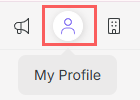
3 - In My Profile, click Api Tokens.

4 - Then, click on Add.

5 - Enter the name of the Api Tokens.
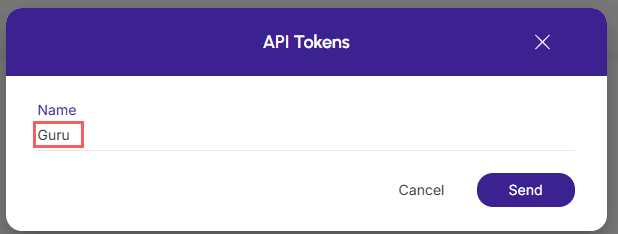
6 - Click on Send.
7 - Then, copy and store the Api Token.
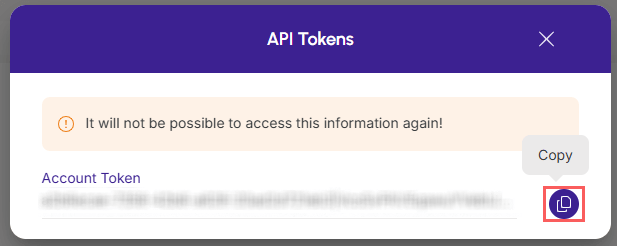
The API Token can only be viewed once.
Delete token
In this section, you can remove the token from your Guru profile. This feature is useful when you no longer wish to use the created token.
Steps:
1 - In the list, locate the desired API Token and click the Remove button corresponding to it.

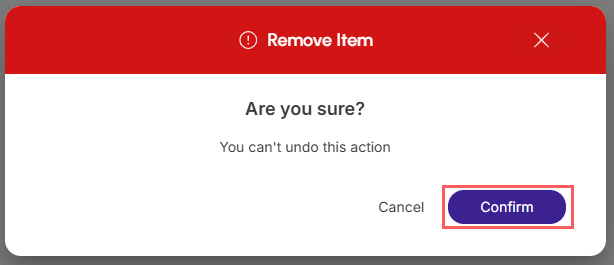
2 - Confirm if you want to perform the deletion. To confirm that the API Token has been deleted, a message will be displayed for a few seconds in the top right corner of the page.
More Resources