
If you sell a digital product or do not require the buyer's address, you can remove this step from Checkout Guru with Coinbase.
On this page:
-
Step 1: Allow Sales Without Address
-
Step 2: Hide address fields in Checkout Guru
Before you start, you need…
-
Be an administrator or have permission to perform the following actions.
-
Have the active integration with Coinbase.
Step 1: Allow Sales Without Address
In this step, you will allow sales without an address for all payment methods.
Steps:
1 - Access the guru admin with your username and password.
2 - Go to Settings > Integrations > Guru’s Checkout > Coinbase

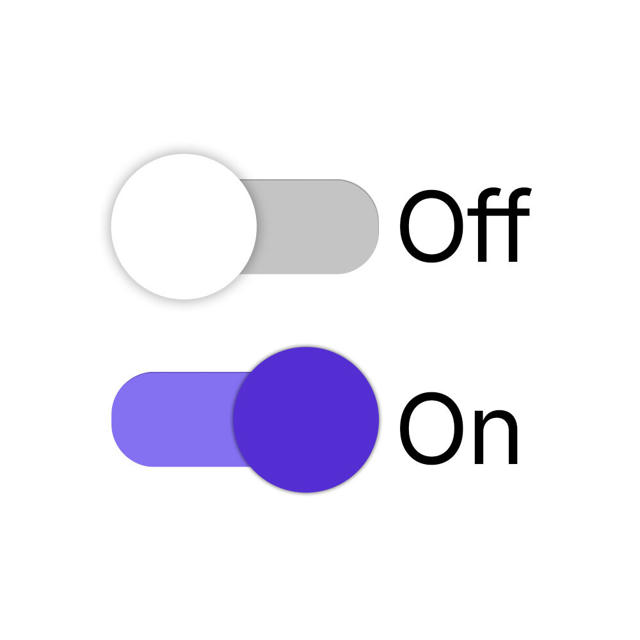
3 - Change the Active button to the on position if you wish to allow Sales Without Address.
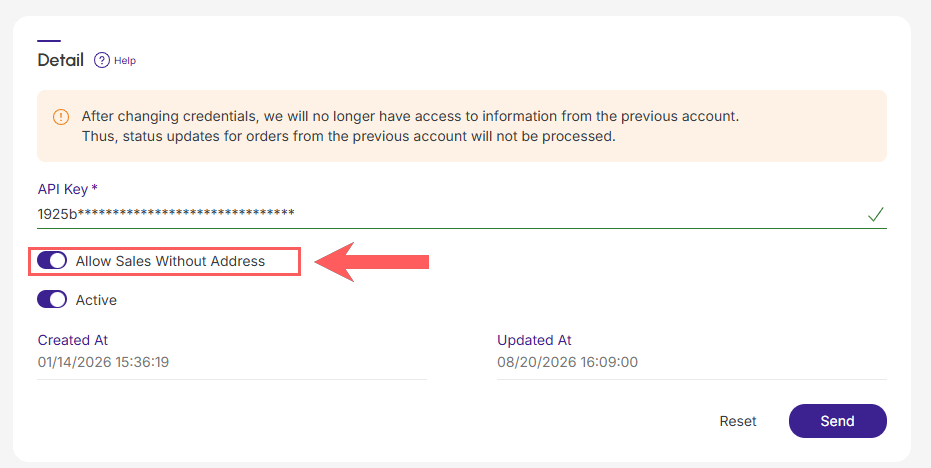
4 - Click Send.
Step 2: Hide address fields in Checkout Guru
In this step, you will access the desired product or offer configuration and hide the address fields in Checkout Guru.
See the complete tutorial:
Hide address fields in checkout