
If you sell a digital product or do not require the buyer's address, you can remove this step from Checkout Guru with Adyen.
On this page:
-
Step 1: Register default address
-
Step 2: Hide address fields in Checkout Guru
Before you start, you need…
-
To be an administrator user or have permission to perform the following actions.
-
Have the active integration with Adyen.
Step 1: Register default address
In this step, you will provide a default address for sales without an address using billet and Pix.
Steps:
1 - Access the guru admin with your username and password.
2 - Click on Settings > Integrations > Guru’s Checkout > Adyen

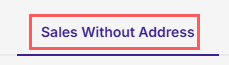
3 - In the Adyen settings, click on the tab “Sales without address”.
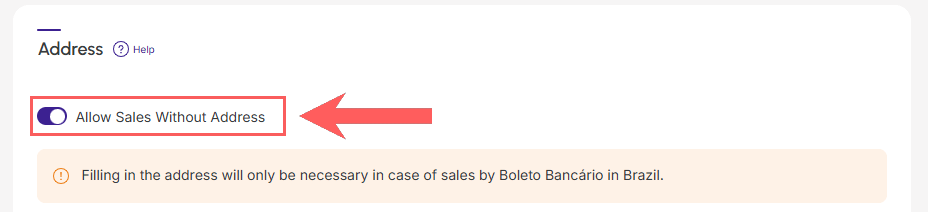
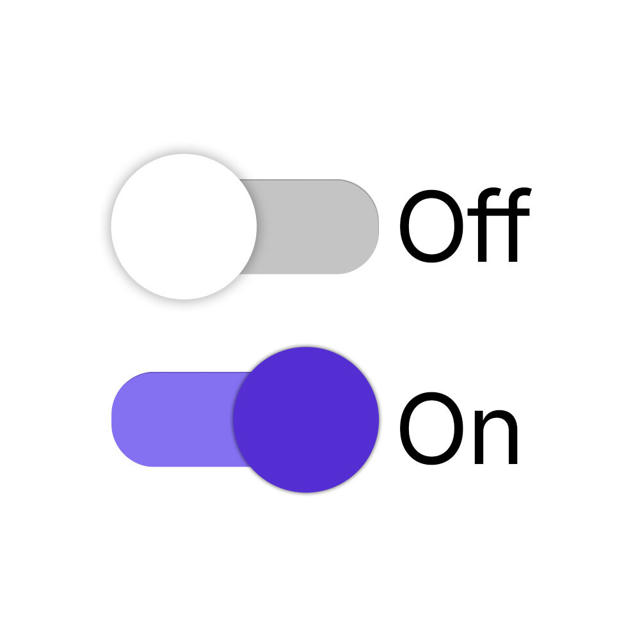
4 - Switch the button to the 'on' position if you want to allow Sales Without Address.
5 - Enter the default address that will be used for sales with billet.
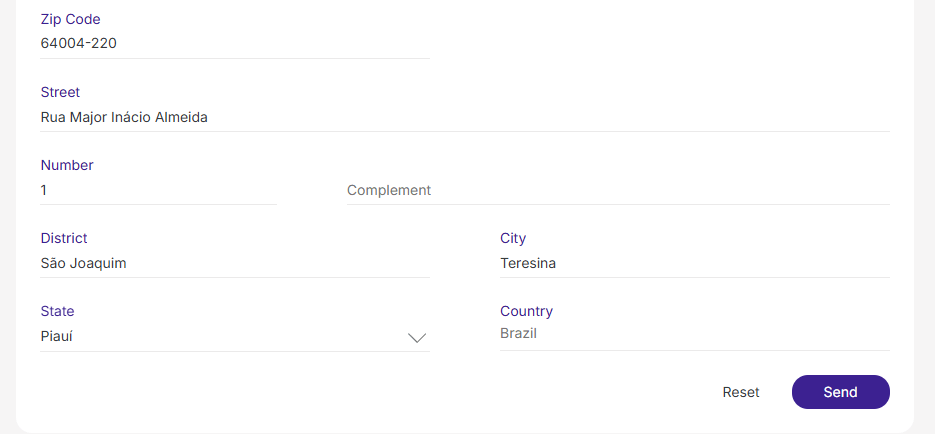
You must provide the same address as your registration with Adyen.
6 - Click on Send.
Step 2: Hide address fields in Checkout Guru
In this step, you will access the configuration of the desired product or offer and hide the address fields in Checkout Guru.
See the complete tutorial:
Hide address fields in checkout