At Guru, the system features automatic webhook deactivation. This mechanism monitors deliveries and temporarily deactivates any webhook that shows a failure rate exceeding 60%, preventing processing waste (access the automatic webhook deactivation policy).
How does it work?
You can configure a specific webhook to monitor these deactivations. Whenever one of your webhooks is automatically deactivated by the system due to excessive delivery failures, a notification is sent to your monitoring URL, and account administrators are notified by email and through the administrative panel.
On this page:
-
Add Deactivation Webhook
-
Update Deactivation Webhook
-
Deactivate Deactivation Webhook
-
Remove Deactivation Webhook
Before you start, you need to…
-
Be an administrator user or have permission to perform the following actions.
Add Deactivation Webhook
You can configure webhooks in the Guru admin to monitor the stability of your webhooks. By adding a deactivation webhook, you define the URL that will receive an automatic notification whenever any other webhook in your account is deactivated due to excessive delivery failures.
Consult the integration limit1 active (category webhooks) for the contracted plan. If you have reached the available limit, simply upgrade to the Plus 2 or Plus 3 category.
(1) During the testing period, a maximum of 2 active webhooks is allowed.
Steps:
1 - Access the Guru admin with your username and password.
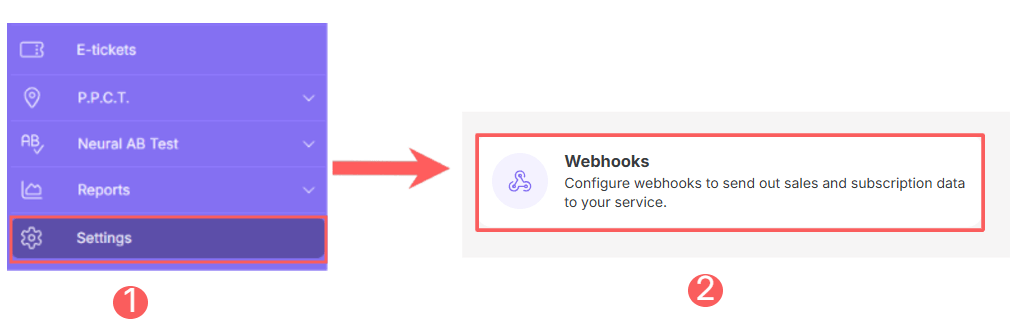
2 - In the side menu, click on Settings and then, Webhooks.
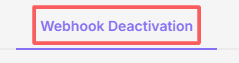
3 - In Webhooks, click on Webhook Deactivation.
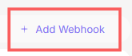
4 - In the upper right corner, click on Add Webhook.
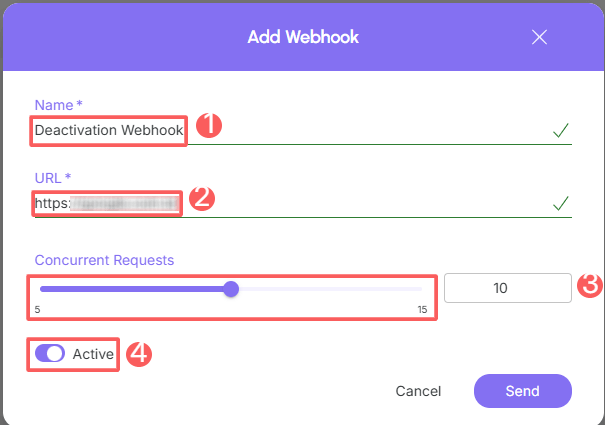
5 - Fill in the information with the Basic Data:
-
Name: name of your webhook;
-
URL: URL configured to receive the notification if any webhook is automatically deactivated by the system;
-
Concurrent Requests: maximum number of concurrent requests that Guru should perform - indicate an appropriate value to avoid overloading the destination server;
-
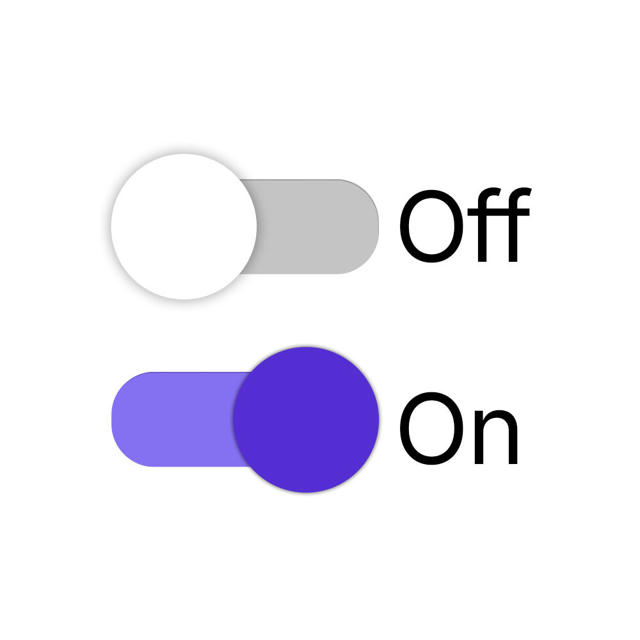
Active: switch the button to the on position.
6 - Click on Send.
From this moment on, the webhook is triggered whenever one of your webhooks is automatically deactivated due to excessive delivery failures.
Update Deactivation Webhook
You can update a deactivation webhook by editing information such as basic data. This feature is useful when you want to change the data of an already registered deactivation webhook in Guru and do not want to create a new one.
Steps:
1 - Access the Guru admin with your username and password.
2 - In the side menu, click on Settings and then, Webhooks.
3 - In Webhooks, click on Webhook Deactivation.
4 - Select the webhook you want to change.

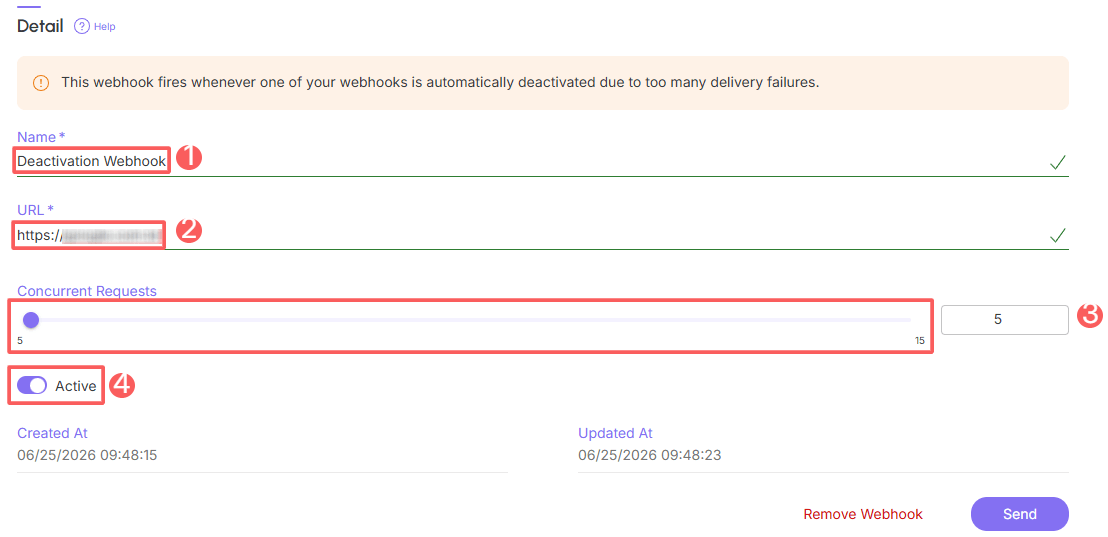
5 - Then, change the desired fields of the Basic Data.
-
Name: name of your webhook;
-
URL: URL configured to receive the notification if any webhook is automatically deactivated by the system;
-
Concurrent Requests: maximum number of concurrent requests that Guru should perform - indicate an appropriate value to avoid overloading the destination server;
-
Active: switch the button to the on position.
6 - Click on Send.
Deactivate Deactivation Webhook
You can deactivate a deactivation webhook at any time. This feature is useful when you want to deactivate a registered deactivation webhook if you no longer wish to use it.
Steps:
1 - Access the Guru admin with your username and password.
2 - In the side menu, click on Settings and then, Webhooks.
3 - In Webhooks, click on Webhook Deactivation.
4 - Locate the desired deactivation webhook and switch the selector to the desired position (activated or deactivated):

When deactivating a deactivation webhook, it stops being triggered even if the webhook in question meets the configured criteria.
Remove Deactivation Webhook
it is possible to remove a deactivation webhook. When a webhook is removed, the record is permanently deleted and cannot be restored.
Webhooks with associated sales cannot be removed. Alternatively, you can deactivate the webhook.
Steps:
1 - Access the Guru admin with your username and password.
2 - In the side menu, click on Settings and then, Webhooks.
3 - In Webhooks, click on Webhook Deactivation.
4 - Select the webhook you want to remove.
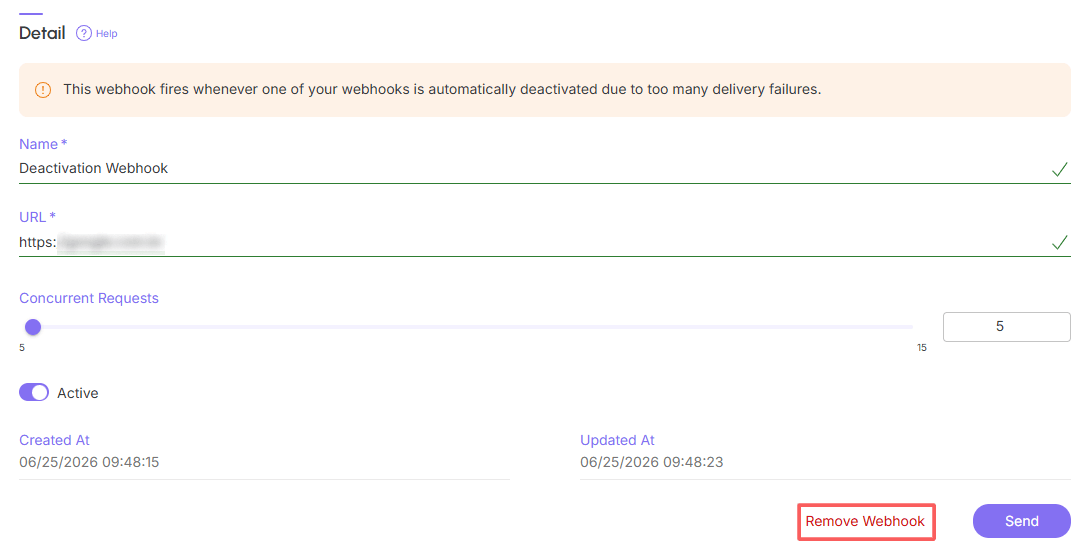
5 - In the Detail of the desired deactivation webhook, click on Remove Webhook.
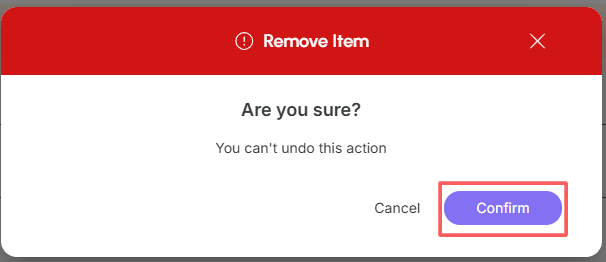
6 - A confirmation window is displayed. If you wish to proceed with the removal, click on Confirm.