
In Guru, you can change the data of an existing subscription webhook or remove it, by updating, deactivating or removing a webhook.
On this page:
-
Update a subscription webhook
-
Deactivate a subscription webhook
-
Remove a subscription webhook
Before you start, you need to…
-
Be an administrator user or have permission to perform the following actions.
-
Have one or more subscription webhooks registered in Guru.
Update a subscription webhook
You can update a webhook by editing information such as basic data, sending rules, and filtering records. This feature is useful when you want to change the data of a webhook already registered in Guru and do not want to create a new one.
Steps:
1 - Access the Guru admin with your username and password.
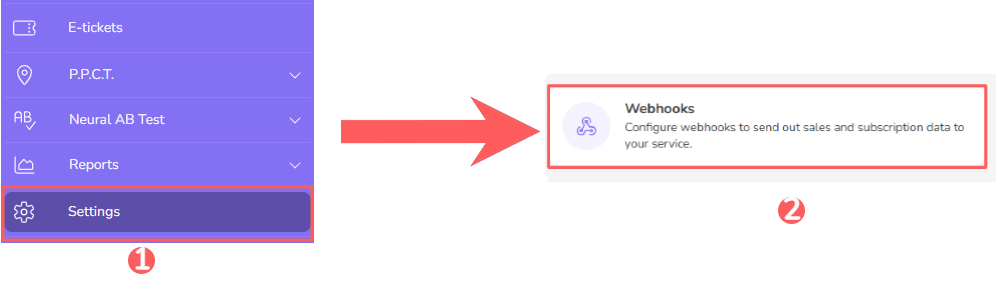
2 - In the side menu, click on Settings and then, Webhooks.
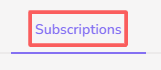
3 - Click on Subscriptions.
4 - Select the webhook you want to change.

5 - Then, change the desired fields:
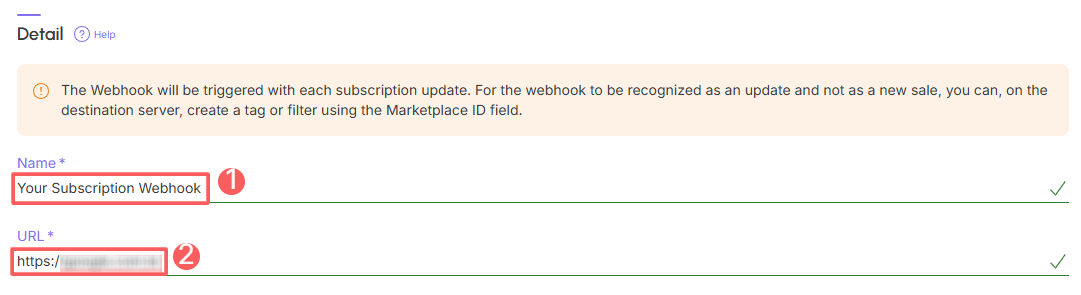
Basic Data
-
Name: name of your webhook;
-
URL: destination URL obtained from the system in question (or with the responsible developer).
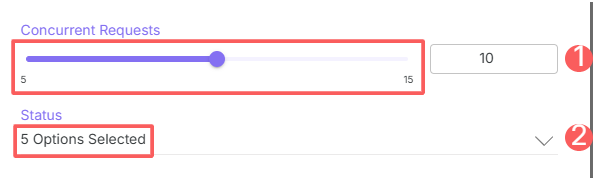
Sending Rules:
-
Concurrent Requests: maximum number of concurrent requests that Guru should perform - indicate an appropriate value to avoid overloading the destination server;
-
Status: for which subscription statuses the webhook should be sent - you can select more than one.
Record Filtering
-
Filter by: check filter by
all,MarketplacesorProducts(1); -
Active: switch the button to the on position.
(1) When choosing to filter by “all” or “marketplaces”, any new product created will be automatically associated with the webhook.
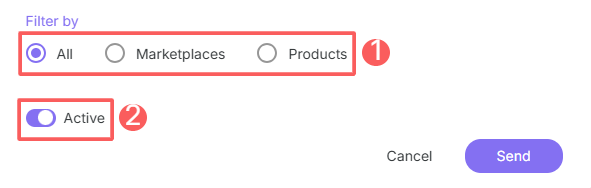
Only subscriptions that meet the indicated filtering criteria will be sent by the webhook.
6 - Click on Send.
Deactivate a subscription webhook
You can deactivate a webhook at any time. This feature is useful when you want to deactivate a registered webhook if you no longer wish to use it.
Steps:
1 - Access the Guru admin with your username and password.
2 - In the side menu, click on Settings and then, Webhooks.
3 - Click on Subscriptions.
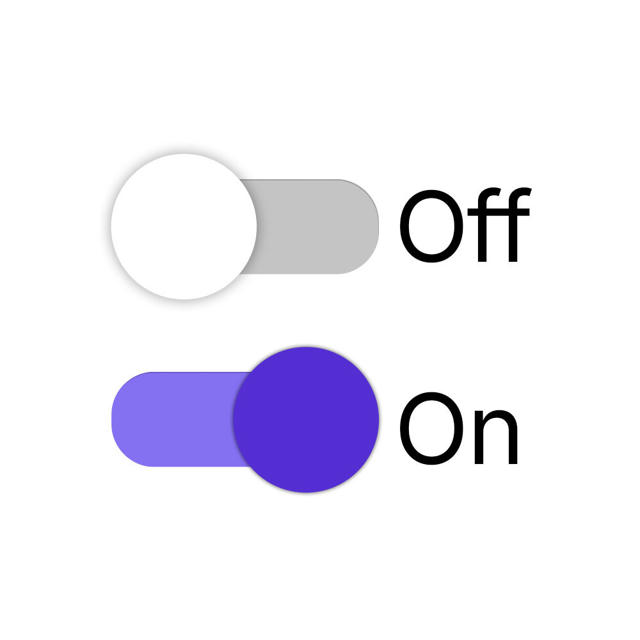
4 - Locate the desired webhook and change the selector to the desired position (activated or deactivated):

When deactivating a webhook, it stops being sent even if the subscription in question meets the configured criteria.
Remove a subscription webhook
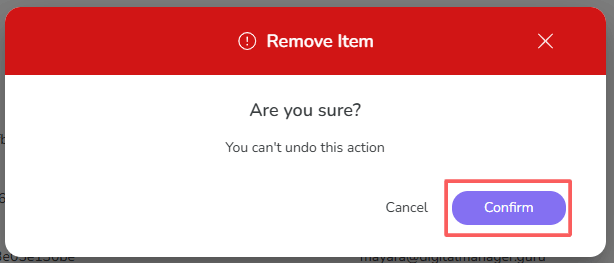
it is possible to remove a webhook. When a webhook is removed, the record is permanently deleted and cannot be restored.
Webhooks with associated sales cannot be removed. Alternatively, you can deactivate the webhook.
Steps:
1 - Access the Guru admin with your username and password.
2 - In the side menu, click on Settings and then, Webhooks.
3 - Click on Subscriptions.
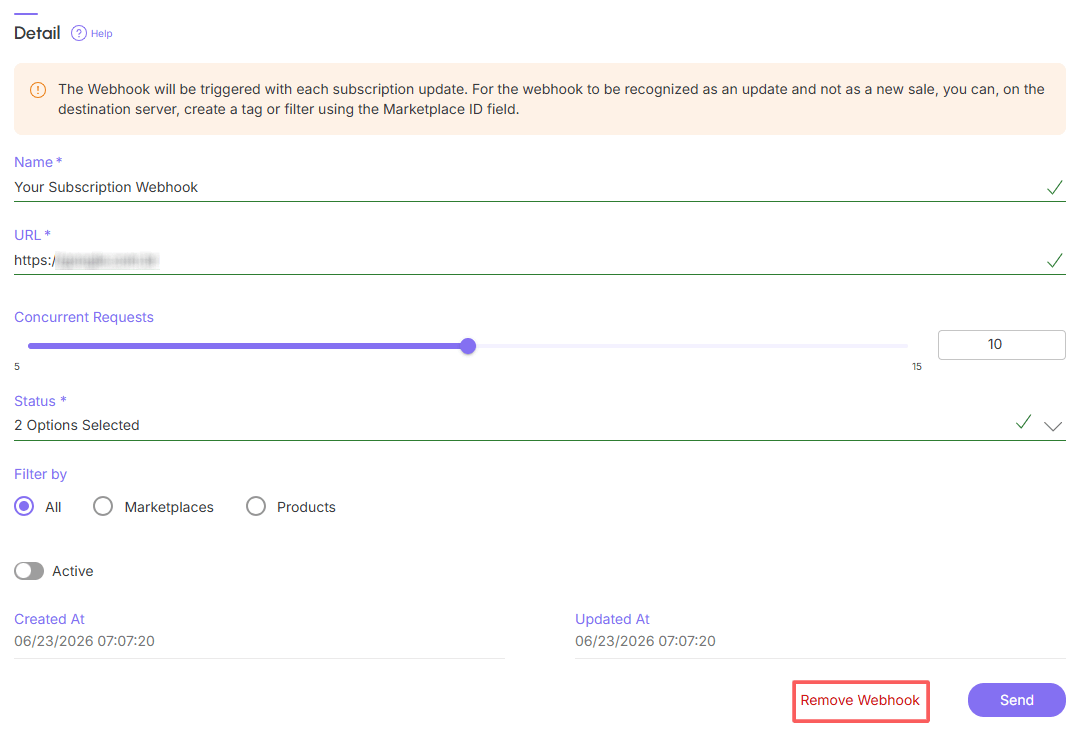
4 - In the Detail of the desired webhook, click on Remove Webhook.
5 - A confirmation window is displayed. If you wish to proceed with the removal, click on Confirm.
More Resources